Edital
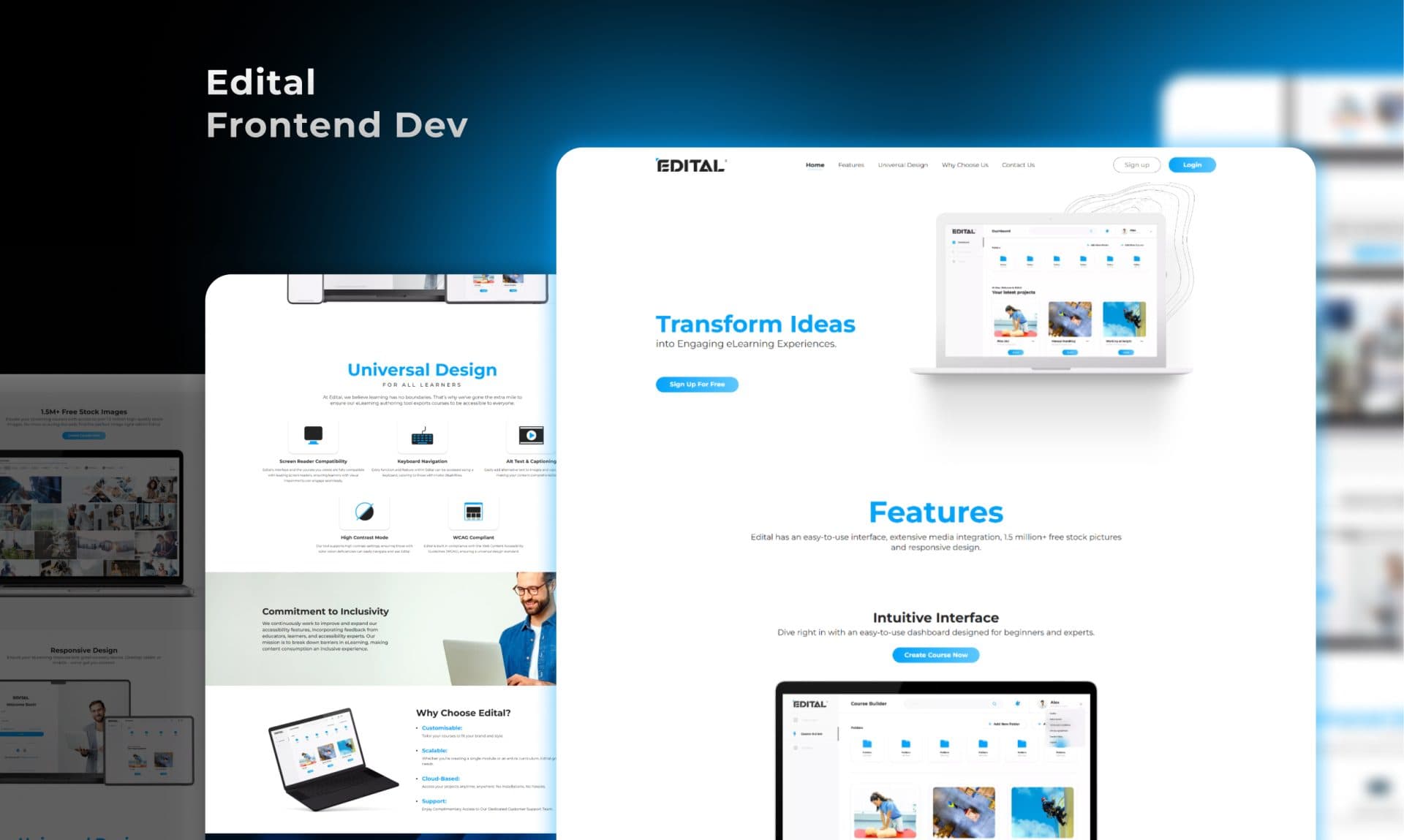
Edital is a document-management and contract-workflow tool used by legal and compliance teams across the US. The product had been built feature by feature over several years, and it showed — inconsistent components, an unintuitive navigation structure, and a visual language that had drifted between at least three different design eras.
The brief
A product people relied on but struggled to use.
Edital is a document-management and contract-workflow tool used by legal and compliance teams across the US. The product had been built feature by feature over several years, and it showed — inconsistent components, an unintuitive navigation structure, and a visual language that had drifted between at least three different design eras.
Users were getting things done, but it was taking longer than it should. The support queue was full of questions that well-designed UI would have made unnecessary. The product worked; it just made people work too hard.
The brief was to redesign the product from the ground up — a new design system, improved information architecture, and a frontend build that closed the gap between the Figma designs and the live product permanently.
Our support tickets dropped by a third after the redesign shipped. That told us everything we needed to know.
The challenge
Better without breaking familiar.
Redesigning software that people use every day is genuinely harder than designing from scratch. Three constraints shaped every decision:
- ✓Active users, live workflows. Legal and compliance teams run time-sensitive processes through Edital. The redesign had to introduce change without creating a relearning burden for people under deadline pressure.
- ✓Information density. Contract management involves tables, metadata, status states, version history, and comments — all of which had to be present and scannable, not hidden behind interactions.
- ✓Design-to-code fidelity. Previous builds had introduced drift between the design and the live product. The new system had to be built alongside the component library to close that gap permanently.
And nine weeks to do it all — research, architecture, design system, hi-fi design, and frontend build.
Our approach
Research first. System before screens.
We started with user interviews before touching Figma. The design system came before any high-fidelity screens — so every component had a clear foundation before the layouts were built on top.
- 01
User research & task analysis
Six user interviews with legal and compliance professionals. Mapped the 12 most common task flows and identified friction in each.
- 02
Information architecture
Restructured the navigation and document hierarchy around task frequency, not feature categories.
- 03
Design system
Atom-level component library in Figma — typography, colour, spacing tokens, and every interactive state before any screen designs.
- 04
Hi-fi product design
Every screen, every state, every empty state and error message — designed and documented before development.
- 05
React component build
Frontend built alongside the design system — each Figma component has a 1:1 React component. Zero drift by design.
- 06
Accessibility & handoff
WCAG 2.1 AA compliance pass, keyboard navigation testing, and a documented Storybook for ongoing development.
Selected screens
The work in detail.
The results
What shipped, and what it moved.
Across the 12 tracked task flows, average completion time dropped 28% — measured in post-launch usability sessions.
WCAG 2.1 AA compliant, keyboard navigable, and screen-reader tested. Scored 91 on Lighthouse accessibility.
Support volume dropped in the month after launch. Fewer questions about where things are means the UI is doing its job.
Every product surface covered — all components, all states, all documented in Storybook for future development.
Tech stack
Modern tools.
Clean output.
We choose the right tool for every job and write clean, documented code that your team — or any developer — can maintain after handoff.
"Our support tickets dropped by a third after the redesign shipped. That's the most honest metric we have for whether a UI actually works."
Ready to start?
Have a project like this? Let us build it.
Tell us what you are building and we will reply within 24 hours with honest, practical next steps.